
Primea ReviewsAll Reviews

Primea Reviews is reader-supported. When you buy through our Amazon links we may earn a commission, at no extra cost to you. Rankings are set by our editors and never sold. Learn more

Ranked & Reviewed by Primea Reviews

The 9 Best Monitor Light Bars for Gaming of 2026, Ranked & Reviewed

By the Primea Editorial TeamUpdated November 1, 202610 min read9 products ranked
The 9 Best Monitor Light Bars for Gaming of 2026, Ranked & Reviewed

The short answer

The BenQ ScreenBar Halo 2 is the best monitor light bar for gaming, with independent front and back lighting, a wireless dial and a motion sensor. The Quntis PRO+ is the best front light for ultrawides. Govee's G1 syncs backlight color to the screen, Razer's Aether suits Chroma setups, and several Quntis bars cover curved, RGB and budget needs.

The Primea Scoreboard

Ranked & Reviewed

  1. Independent front and back lighting with a wireless dial and motion sensor.

    95Outstanding
    Check price
  2. A 20 inch bar with 1200 lux, auto-dimming and a wireless remote.

    93Outstanding
    Check price
  3. The only pick that syncs backlight color to the screen, with 123 scenes.

    91Excellent
    Check price
  4. Chroma RGB with front and back lighting and Razer Synapse integration.

    89Excellent
    Check price
  5. 1000 lux, an ultrasonic motion sensor and a wireless dial, powered by USB-C.

    87Excellent
    Check price
  6. A foldable dual-head mount for 1000R to 1800R curved monitors.

    85Excellent
    Check price
  7. A 20 inch bar with 15 RGB modes, 144 LEDs and a wireless remote.

    83Very Good
    Check price
  8. 900 lux with an auto-dimming sensor and CRI 98 at a low price.

    81Very Good
    Check price
  9. A 15.7 inch bar with 24 RGB modes and 900 lux front light.

    79Very Good
    Check price

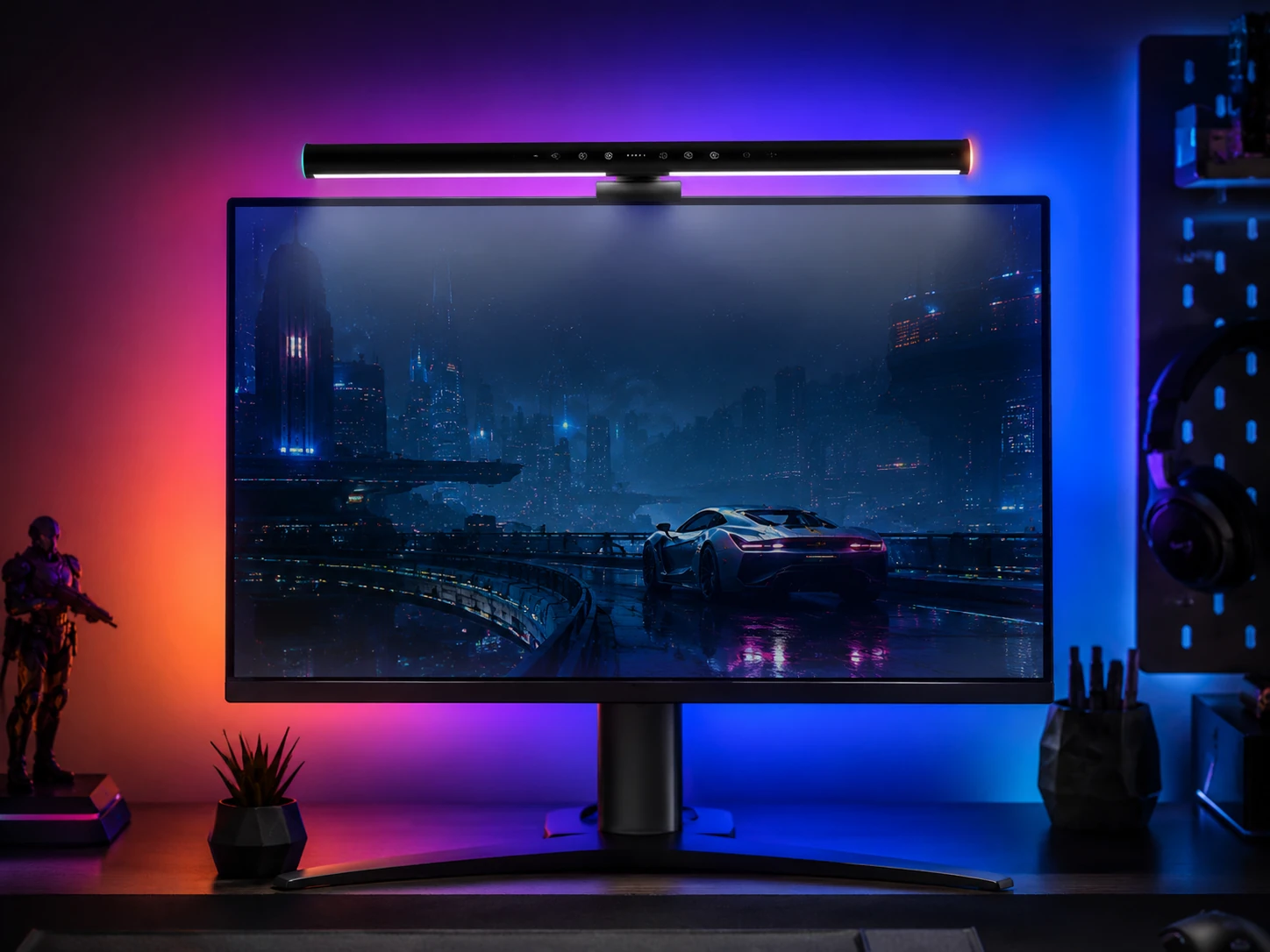
Light bars solve two separate problems, and shoppers who buy one expecting the other end up disappointed. A front light throws a clean, shadowless pool onto the keyboard and desk without bouncing off the screen. A backlight glows on the wall behind the monitor, softening the jump between a bright panel and a dark room, which is what tired eyes notice during a late session.

Few bars do both properly, and the cheaper ones nearly always handle only the first. We ranked nine, from plain desk lamps to RGB and screen-sync models, on paper. The order starts with how well each covers the two jobs, then moves to curved-monitor fit, controls and ecosystem integration. Colorful effects came last, because a colorful bar that leaves your desk dark is still a failed lamp.

Before you buy

What Actually Matters

01

Front light vs backlight

A front light puts glare-free light on your desk and keyboard. A backlight glows on the wall behind the screen and reduces contrast in a dark room. Decide which problem you have first, since it shapes the whole purchase: tired eyes in the dark call for a backlight, while a dim desk calls for a front light. The Halo 2 covers both.

02

Match length to your monitor

A 15.7 inch bar suits a smaller screen, while a 20 inch bar suits an ultrawide. A bar shorter than the monitor leaves the ends of the desk dim and uneven, and one that is too long may not clamp. Check your monitor width and the listed bar length before ordering, since the bars here vary by about five inches.

03

Curved monitor fit

Curved screens can make a rigid mount slide or tilt. Look for a listed curvature range such as 1000R to 1800R, which the BenQ bars and the Quntis Curved list. A foldable dual-head bar follows the curve of the bezel, and a flat monitor does not need that complexity.

04

Lux and CRI

Lux measures brightness, from 900 to 1200 among these bars, and CRI measures color accuracy, 95 to 98 here. A higher lux helps you read keys in a dark room, and higher CRI helps colors look natural on the desk. Find both numbers on the listing, not only the watt rating.

05

Control style

A wireless dial or remote avoids reaching behind the monitor, and motion sensors turn the bar off when you leave. Touch controls sit on the bar itself, so you reach up to the bar each time. Pick the control that matches how you sit and play: if you adjust lighting often during a session, a dial or remote is worth the extra cost.

In-depth reviews

Our Ranked Picks, Reviewed

1

Best Overall

BenQ ScreenBar Halo 2, Backlight, Wireless Dial, Motion Sensor

Our verdict: Independent front and back lighting with a wireless dial and motion sensor.

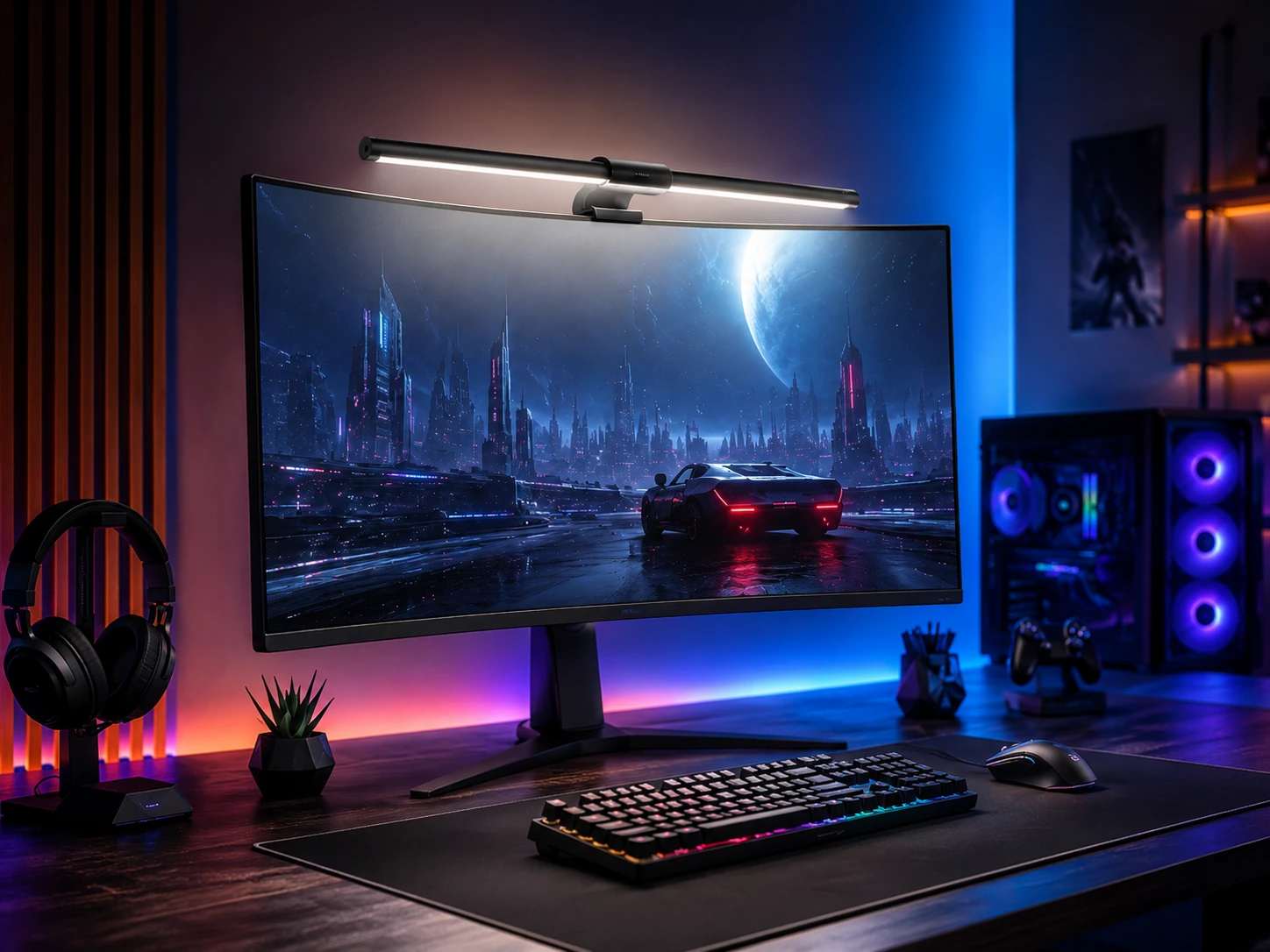
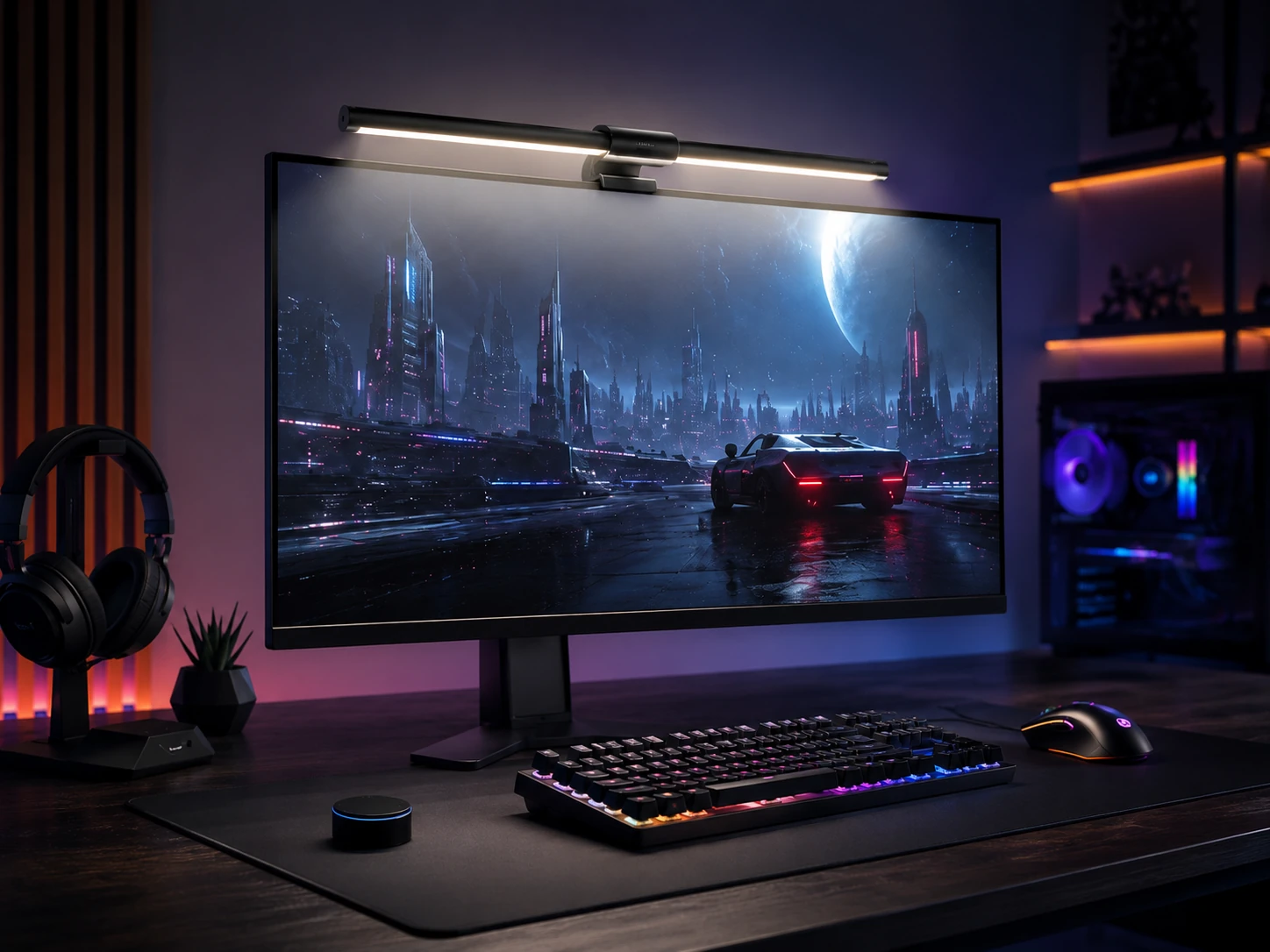
BenQ's ScreenBar Halo 2 is the only bar here that does both jobs without compromise. A front light covers the desk, and a rear backlight softens the contrast with the wall, each with its own brightness control. It powers over USB-C, adds a wireless dial and a motion sensor, lists CRI 95 and fits curved monitors from 1000R to 1800R.

It wins because the two lights are independent: in a dark room you can lower the desk light and keep the glow, or the reverse. The Quntis models match it on front light but handle the backlight less cleanly.

Buy it for a dark room where eye strain is the issue. The caveat is that its backlight is a white-light bias effect, not a color show, and it costs more than the Quntis bars. Skip it if you want RGB.

Lighting
Front and back
Controls
Wireless dial, motion sensor
Power
USB-C
Curved fit
1000R to 1800R

What we like

  • +Bias lighting reduces eye strain
  • +Separate front and back brightness
  • +Wireless dial
  • +CRI 95 listed

Watch out for

  • −Not an RGB show
  • −Costs more than Quntis

Buy it if: Dark gaming rooms.

Skip it if: You want colorful lighting.

2

Best Value Front Light

Quntis Monitor Light Bar PRO+, 20-inch, Remote, 1200 Lux

Our verdict: A 20 inch bar with 1200 lux, auto-dimming and a wireless remote.

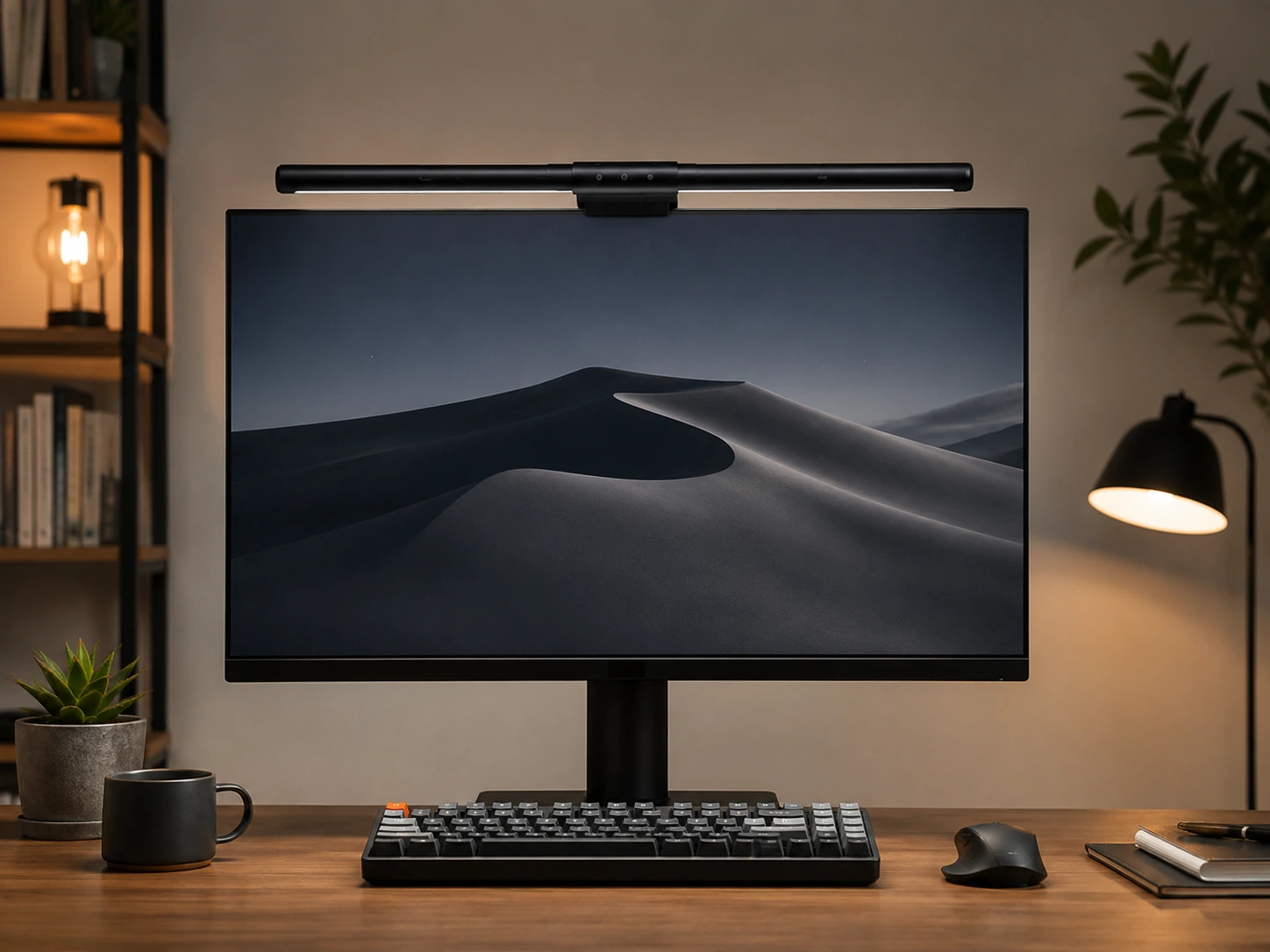
The Quntis PRO+ is the strongest front light in the group. It is 20 inches long with 1200 lux output, a wireless remote, auto-dimming and CRI 95, and it is compatible with curved monitors. The 1200 lux figure is the highest output in the Quntis range, and a long bar is what an ultrawide needs.

It ranks second because it does the first job best: bright, glare-free desk light across a wide screen. What it lacks is a rear glow, which is the half of the job the Halo 2 adds.

Buy it for an ultrawide desk where a keyboard and notes need strong light. The caveat is that it gives plain white light only and no backlight. If you game in a dark room, pair it with a separate bias light or choose the BenQ.

Length
20 in
Output
1200 lux
Controls
Wireless remote, auto-dimming
CRI
95

What we like

  • +1200 lux output
  • +20 inch length for ultrawides
  • +Wireless remote
  • +Auto-dimming

Watch out for

  • −No backlight
  • −Plain white light only

Buy it if: Ultrawide desks that need bright light.

Skip it if: You want a backlight.

3

Best Screen Sync

Govee Gaming Light for Monitor G1, RGBIC LED, Screen Color Sync

Our verdict: The only pick that syncs backlight color to the screen, with 123 scenes.

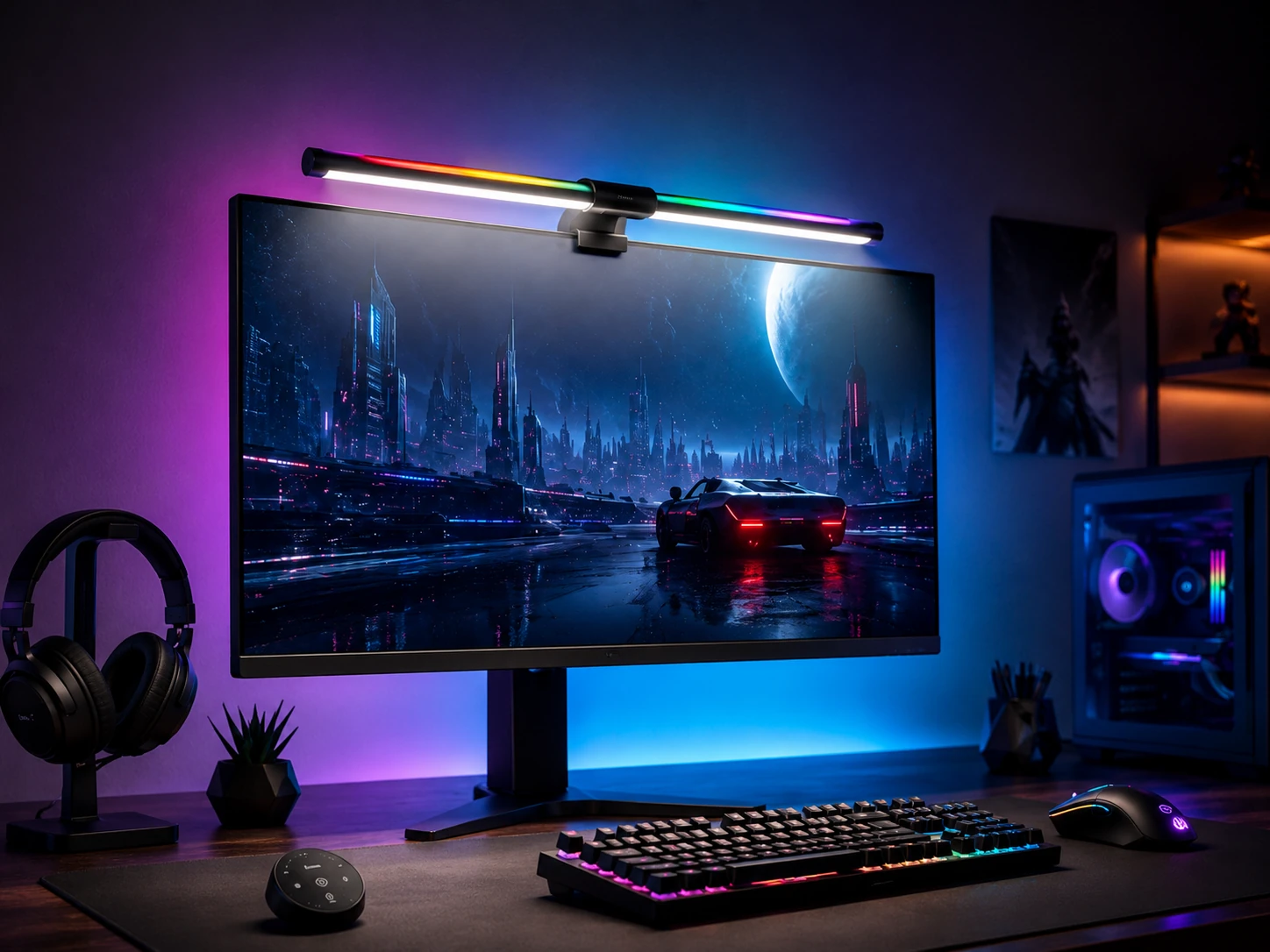
Govee's G1 is the immersive pick. It uses RGBIC LEDs with screen color sync, so the rear glow changes with what is on the monitor, plus 123 scene modes, music sync and app control, for monitors from 27 to 34 inches. Because RGBIC lets segments show different colors at once, the effect looks smoother than a single flat color.

It ranks third because screen sync is unique here, but it is a backlight, not a desk light. It does not replace a front bar, so you may need a second lamp for the keyboard.

Buy it for colorful gaming setups where atmosphere matters more than desk illumination. The caveat is dependence on the app: much of its value sits in software, and anyone who wants to light the desk should look at the BenQ or Quntis bars instead.

Sync
Screen color sync
LED
RGBIC, 123 scenes
Monitors
27 to 34 in
Control
App and music sync

What we like

  • +Screen color sync
  • +123 scene modes
  • +Music sync
  • +App control

Watch out for

  • −No front desk light
  • −App-driven

Buy it if: Immersive, colorful gaming setups.

Skip it if: You want to light your desk.

4

Best for Razer Setups

Razer Aether Monitor LED Light Bar, Chroma RGB, Front and Back

Our verdict: Chroma RGB with front and back lighting and Razer Synapse integration.

Razer's Aether is the ecosystem bar. It offers Chroma RGB with 16.8 million colors, front and back lighting, Alexa compatibility, Razer Synapse integration and the Razer Gamer Room app. That software layer lets lighting react to games and sync with other Razer devices on the desk.

It ranks fourth because it matches the Halo 2 on having both front and back light, but its value is concentrated among owners of other Razer gear. Without that, you pay for integration you do not use.

Buy it if your keyboard, mouse or headset already runs on Chroma. The caveat is that full use needs the software installed, so if you do not own any Razer hardware, the BenQ Halo 2 gives better lighting for the same purpose without the dependency.

Color
Chroma RGB, 16.8M colors
Lighting
Front and back
Voice
Alexa compatible
Software
Razer Synapse

What we like

  • +Razer Chroma integration
  • +Front and back lighting
  • +Alexa compatible
  • +16.8M colors

Watch out for

  • −Best with Razer ecosystem
  • −Software required for full use

Buy it if: Razer ecosystem owners.

Skip it if: You have no Razer gear.

5

Best Front Light

BenQ ScreenBar Pro, Motion Sensor, USB-C, 1000 Lux

Our verdict: 1000 lux, an ultrasonic motion sensor and a wireless dial, powered by USB-C.

The ScreenBar Pro is BenQ's front-light version. It lists 1000 lux, an ultrasonic motion sensor, USB-C power at 19.7W, a wireless dial and curved monitor support from 1000R to 1800R. The motion sensor turns the bar on when you sit down and off when you leave, which saves the habit of remembering.

It ranks fifth because it is the Halo 2 without the backlight: the same dial and sensor, minus the rear glow, so there is nothing for a dark wall. As a desk light it still beats the RGB models for clean illumination.

Choose it for a bright, tidy desk glow with no color effects. The caveat is that it has no rear lighting and costs more than the Quntis bars, so Quntis PRO+ delivers more lux and more length for ultrawides if budget matters.

Output
1000 lux
Sensor
Ultrasonic motion
Power
USB-C, 19.7W
Curved fit
1000R to 1800R

What we like

  • +Motion sensor auto on and off
  • +1000 lux
  • +Wireless dial
  • +USB-C powered

Watch out for

  • −No backlight
  • −Costs more than Quntis

Buy it if: A clean, bright desk light.

Skip it if: You want a rear glow.

6

Best for Curved Monitors

Quntis Curved RGB Monitor Light Bar, Dual Head Foldable

Our verdict: A foldable dual-head mount for 1000R to 1800R curved monitors.

The Quntis Curved is made for 1000R to 1800R curved monitors. It is a foldable dual-head bar with 15 RGB backlight modes, a remote and CRI 98 plus, sized for screens of 34 inches and up. Folding heads wrap around the bezel instead of sliding down a curve the way a rigid bar can.

It ranks sixth because the dual-head design is for a specific monitor type, and it gives both front light and RGB rear glow. For flat screens it adds complexity and cost without benefit.

Buy it for a curved ultrawide where a standard bar will not sit stable. The caveat is fit in the other direction: it suits large screens, so on a flat panel or a small monitor the Quntis PRO+ or the plain lamp is the better call.

Mount
Foldable dual head
Curved fit
1000R to 1800R
RGB
15 backlight modes
Screens
34 in and up

What we like

  • +Built for curved monitors
  • +Foldable dual head
  • +15 RGB modes
  • +Remote control

Watch out for

  • −Suited to large screens
  • −Less useful on flat panels

Buy it if: Curved ultrawide owners.

Skip it if: You have a flat monitor.

7

Best RGB Ultrawide

Quntis RGB Pro+ Monitor Light Bar, 20-inch, 15 RGB Modes

Our verdict: A 20 inch bar with 15 RGB modes, 144 LEDs and a wireless remote.

The Quntis RGB Pro+ stretches the long format into color. It is 20 inches with 15 RGB backlight modes, 144 LEDs, a wireless remote, CRI 95 and four color temperatures. The four temperature settings let you move from warm to cool light for the desk, not just rotate through colors.

It ranks seventh because it adds RGB to the ultrawide format, but its effects are simple next to Govee's sync. You choose a mode and live with it, and nothing follows the picture.

Buy it for an ultrawide gaming desk where you want color without an app. The caveat is plain effects, with no screen sync, so if the point is immersion, Govee's G1 is the better fit. It also gives less front light than the PRO+ at 1200 lux.

Length
20 in
RGB
15 backlight modes
LEDs
144
Control
Wireless remote

What we like

  • +20 inch ultrawide coverage
  • +15 RGB modes
  • +Wireless remote
  • +Four color temperatures

Watch out for

  • −No screen sync
  • −Simple effects

Buy it if: Ultrawide gaming desks.

Skip it if: You want screen sync.

8

Best Budget Desk Light

Quntis Computer Monitor Lamp, 900 Lux, Touch Control

Our verdict: 900 lux with an auto-dimming sensor and CRI 98 at a low price.

The Quntis computer monitor lamp is the plain desk light. It lists 900 lux, an auto-dimming sensor, touch control, CRI 98 and USB power, with no screen glare. CRI 98 ties for the highest color accuracy in the group, which helps when you read papers or match colors under it.

It ranks eighth because there is no remote, RGB or backlight, only a lamp. It is the cheapest way to light a desk, and a better one than many RGB bars, but it does not add atmosphere to a gaming setup.

Buy it as a budget desk light when the goal is a lit keyboard, not a lit room. The caveat is that it is a lamp rather than a gaming light, with touch control only, so you reach for it directly. Step up to the PRO+ for remote control.

Output
900 lux
Sensor
Auto-dimming
CRI
98
Power
USB

What we like

  • +Auto-dimming
  • +CRI 98
  • +No screen glare
  • +Low price

Watch out for

  • −No RGB or backlight
  • −Touch control only

Buy it if: A budget desk light.

Skip it if: You want gaming effects.

9

Cheapest RGB

Quntis Monitor Light Bar, 15.7-inch, 24 RGB Backlight Modes

Our verdict: A 15.7 inch bar with 24 RGB modes and 900 lux front light.

The 15.7 inch Quntis bar is the cheapest way into RGB. It offers 24 RGB backlight modes, 900 lux front light, touch control, CRI 95 and USB power. Twenty-four modes is the most of any Quntis here, and the shorter body fits the front of a smaller monitor.

It ranks last because length limits the spread: at 15.7 inches, it is too short for large monitors and ultrawides, and touch control means no remote. It remains the cheapest route to colored backlighting.

Buy it for a small gaming monitor on a tight budget. The caveat is the short bar, so check your monitor width, and skip it if you own an ultrawide, where the 20 inch bars light the whole desk.

Length
15.7 in
RGB
24 backlight modes
Front light
900 lux
Control
Touch

What we like

  • +24 RGB modes
  • +900 lux front light
  • +Touch control
  • +Low price

Watch out for

  • −Short for large monitors
  • −No remote

Buy it if: Small gaming monitors.

Skip it if: You have an ultrawide.

Methodology

How We Ranked These

Front and back light

We scored each bar on whether it lights the desk, the wall behind the screen, or both.

Monitor fit

Length and curved-screen compatibility were compared against common monitor sizes.

Controls

Remotes, dials, touch and motion sensors were compared as listed.

Ecosystem and sync

Screen sync, music sync and brand integrations were weighed for gaming value.

Value within the field

Price tier was compared only against other bars in this guide.

Every Primea Score uses the same weights: Performance 30% · Build & Materials 20% · Everyday Usability 20% · Value 20% · Owner Satisfaction 10%. Full scoring rules

Buyer's guide

How to Pick the Right One for You

By Monitor Type

Start with your screen.

MonitorOur pick
Curved ultrawideQuntis Curved RGB Monitor Light Bar, Dual Head Foldable
Flat ultrawideQuntis Monitor Light Bar PRO+, 20-inch, Remote, 1200 Lux
27 to 34 inch flatGovee Gaming Light for Monitor G1, RGBIC LED, Screen Color Sync
Small monitorQuntis Monitor Light Bar, 15.7-inch, 24 RGB Backlight Modes

By Budget Approach

ApproachOur pick
Cheapest desk lightQuntis Computer Monitor Lamp, 900 Lux, Touch Control
Cheapest RGBQuntis Monitor Light Bar, 15.7-inch, 24 RGB Backlight Modes
Mid-range ultrawideQuntis RGB Pro+ Monitor Light Bar, 20-inch, 15 RGB Modes
Premium front and backBenQ ScreenBar Halo 2, Backlight, Wireless Dial, Motion Sensor

Front Light vs Backlight

Front light

Lights your desk and keyboard without glare. Picks: BenQ ScreenBar Pro, Quntis PRO+, Quntis Computer Monitor Lamp.

Backlight

Glows behind the screen for immersion and bias lighting. Picks: Govee G1, Razer Aether, Quntis RGB Pro+, BenQ Halo 2.

Default to a bar that does both unless you only want one.

By Ecosystem

You useOur pick
Razer gearRazer Aether Monitor LED Light Bar, Chroma RGB, Front and Back
An app for color effectsGovee Gaming Light for Monitor G1, RGBIC LED, Screen Color Sync
A wireless dialBenQ ScreenBar Pro, Motion Sensor, USB-C, 1000 Lux
A simple remoteQuntis Monitor Light Bar PRO+, 20-inch, Remote, 1200 Lux

For a Dark Gaming Room Specifically

Look for

A rear glow to soften contrast and a front light you can dim to match the room.

In this comparison

The BenQ ScreenBar Halo 2 offers independent front and back brightness with a wireless dial.

When to Spend More

Spend more if

You play in a dark room for hours. The BenQ ScreenBar Halo 2 combines both lights.

Save if

You only need desk light. The Quntis Computer Monitor Lamp lists 900 lux for less.

Questions

Frequently Asked Questions

What is bias lighting?+

It is a soft light behind the screen that cuts the contrast between the bright panel and a dark wall, which eases eye strain in long evening sessions. The BenQ Halo 2 and Razer Aether provide it with a dedicated rear light.

Will a light bar fit a curved monitor?+

Some do. The BenQ ScreenBar Pro and Halo 2 list 1000R to 1800R, and the Quntis Curved is built for those monitors with a foldable dual head. Check the curvature range before ordering, as flat-mount bars can slip.

What does lux mean?+

Lux measures brightness. The Quntis PRO+ lists 1200 lux, the highest here, while the Quntis lamp and 15.7 inch bar list 900. Higher output helps in a dark room, but placement and angle matter just as much as the number.

Do I need an app?+

For full effects on the Govee G1 and Razer Aether, yes. BenQ and Quntis bars use a dial, remote or touch control, so they work without any app or account, which keeps setup quick.

Does a light bar cause screen glare?+

Well-designed bars aim light at the desk, not the screen. The Quntis lamp lists no screen glare, and the BenQ front lights are designed to avoid reflecting off the panel, so check your monitor surface.

Which fits an ultrawide?+

The 20 inch Quntis PRO+ and RGB Pro+ cover ultrawides, and the Quntis Curved suits 34 inch and larger curved screens. The 15.7 inch bar is too short for them and leaves the desk ends dim.

Final take

Buy the BenQ Halo 2 for a dark gaming room that needs both jobs done, or the Quntis PRO+ if you only want strong front light on an ultrawide. Pick the Govee G1 for screen sync, the Razer Aether if you own Chroma gear, and the Quntis Curved for 34 inch curved screens. Leave the cheapest RGB bar for small monitors.

More Ranked & Reviewed Guides